
In the landscape of modern corporate procurement, Coupa has emerged as a powerhouse. Its user-friendly, cloud-native interface makes it a favorite among procurement managers, CFOs, and employees alike.
For suppliers, when an enterprise buyer using Coupa wants to order from you, they will ask for a Coupa PunchOut Catalog.
Unlike legacy ERP setups, Coupa integrates quickly, but it still requires a precise implementation of B2B standards. Here is what you need to know about Coupa PunchOut and how it can help you grow your business.
Why Coupa is Different
Coupa’s philosophy is “Business Spend Management (BSM) made easy.” It aims to make corporate shopping feel as simple as consumer e-commerce.
Instead of forcing users to fill out complex requisition forms, Coupa provides an intuitive homepage where employees search for what they need. If they click a supplier’s logo, they are seamlessly redirected to that supplier’s PunchOut store.
Because Coupa makes ordering so simple, suppliers who integrate with Coupa often see higher transaction volumes and stronger adoption rates compared to non-integrated competitors.
How Coupa PunchOut Works (cXML Flow)
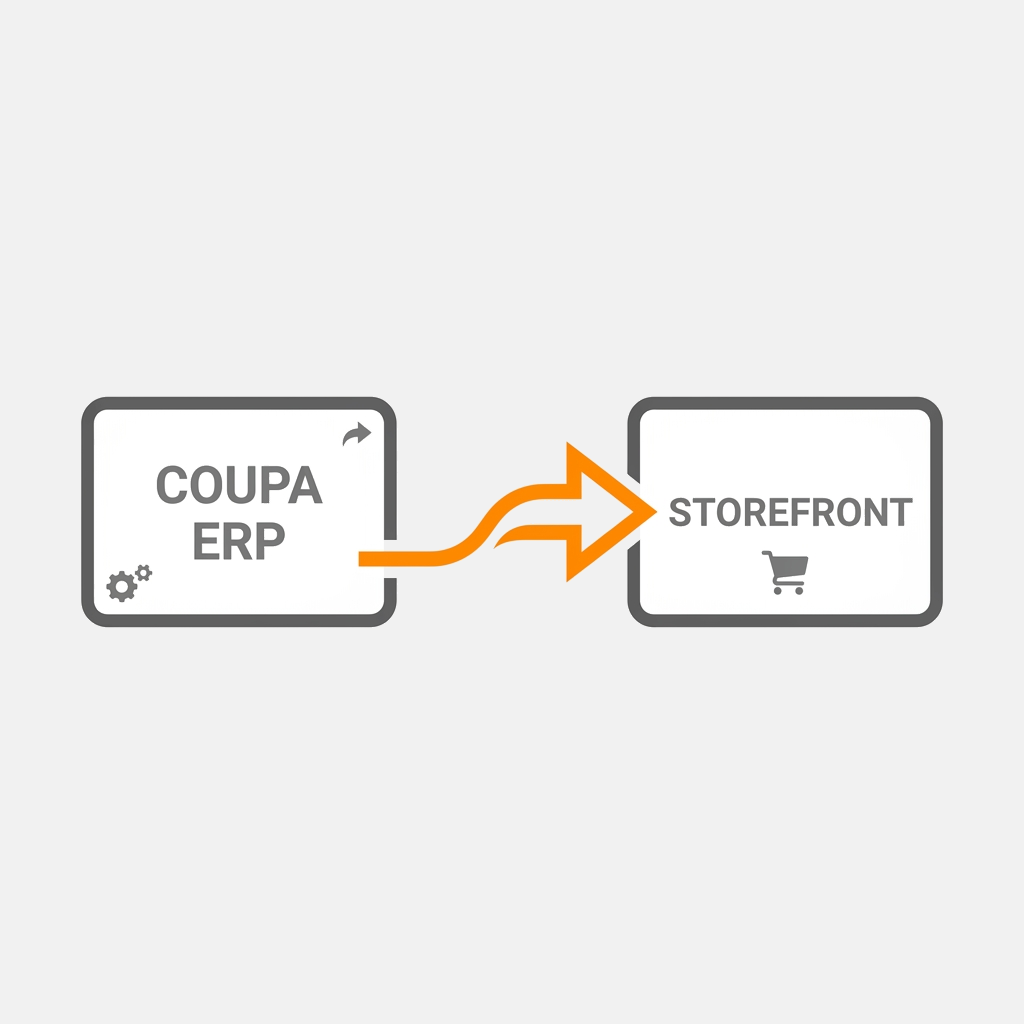
Coupa uses cXML as its primary protocol for PunchOut integration. The process involves three main phases:
- Launch (Setup Request): When the user clicks the supplier’s logo in Coupa, Coupa generates a
PunchOutSetupRequestcXML file containing security credentials and sends it to the supplier’s web endpoint. - Shopping (Store Session): The supplier returns a
PunchOutSetupResponsewith a session-specific URL. The user is redirected to the supplier’s catalog, where they browse and add items with their negotiated customer pricing. - Return (Cart Checkout): When checking out, the supplier’s website sends a cXML
PunchOutOrderMessage(POOM) back to Coupa. This populates the user’s Coupa cart with descriptions, prices, quantities, UOMs, and UNSPSC codes.
Once the requisition is approved in Coupa, the system generates a Purchase Order (PO) which is sent to the supplier (often via cXML, email, or the Coupa Supplier Portal).
Key Technical Requirements for Coupa Integrations
To ensure your catalog integrates smoothly with Coupa, you must fulfill these technical specifications:
- UNSPSC Codes: Every item sent back to Coupa must have a valid United Nations Standard Products and Services Code (UNSPSC). If the code is missing or invalid, Coupa will reject the cart.
- Unit of Measure (UOM): UOMs must match ISO standards (e.g.,
EAfor Each,BOXfor Box). - HTTPS Protocol: Coupa requires all endpoints to be fully secured via HTTPS with valid SSL certificates.
- No Redirect Loops: The shopping experience must load cleanly within an iframe or in a new browser tab, depending on the buyer’s preference.
Benefits of Coupa Integration for Suppliers
- Preferred Supplier Status: Enterprise buyers prefer integrated suppliers because it saves their purchasing departments administrative time.
- Faster Approvals: Integrated carts are pre-populated with correct contract prices, leading to faster internal approvals.
- Fewer Disputes: Correct pricing at checkout means zero pricing discrepancies when invoicing.
- Scalable Onboarding: Once your store is Coupa-compatible, connecting to subsequent Coupa buyers is incredibly fast.
Get Connected to Coupa Buyers Faster
Building a custom Coupa connection requires writing cXML parsers, managing web sessions, and testing extensively with the buyer’s procurement team.
At QuickPunchOut, we have pre-built connectors for Coupa. We hook your existing web catalog (Shopify, WooCommerce, or custom databases) directly to the Coupa platform, handling all cXML translations, UOM mappings, and UNSPSC codes automatically.
Ready to start selling on Coupa? Speak to our integration team today.