
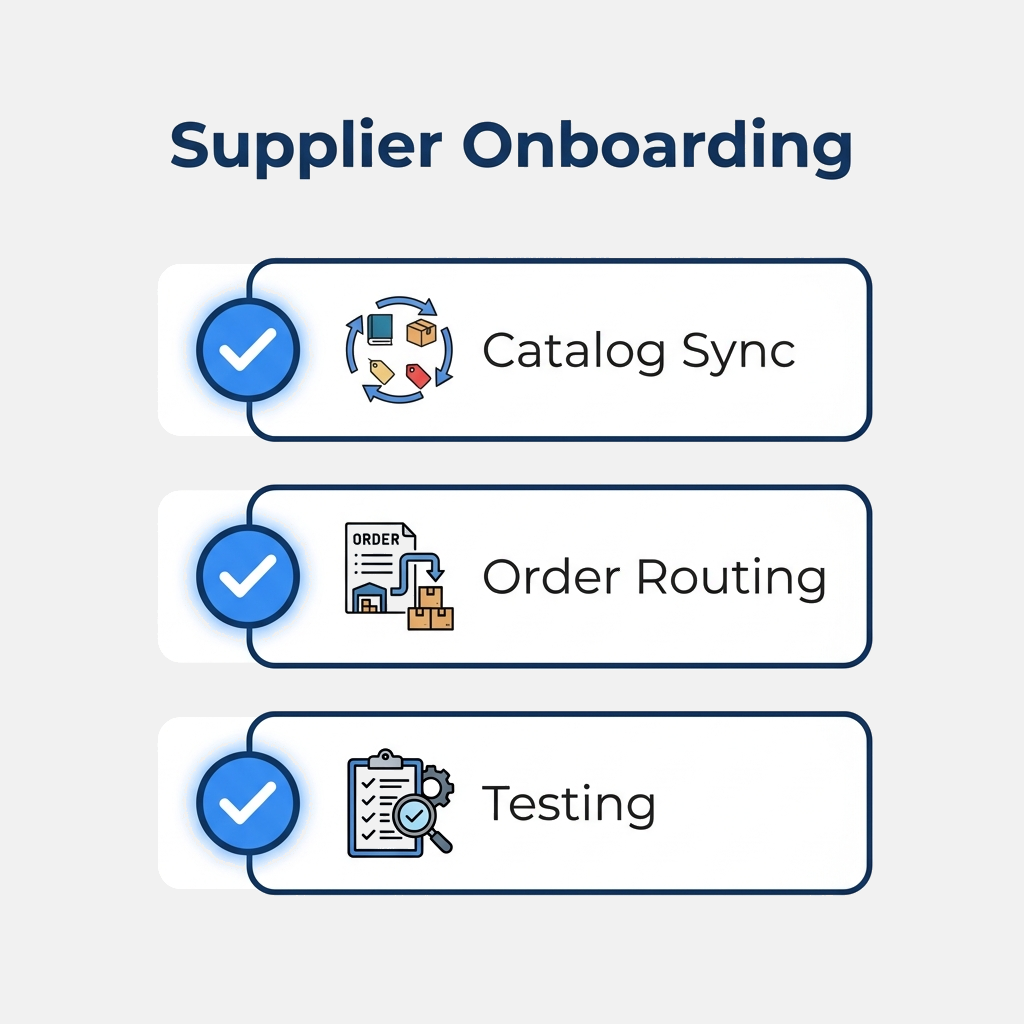
For B2B suppliers, winning a contract with a buyer who uses SAP Ariba is a massive milestone. However, that excitement is often followed by a complex requirement: you must onboard to the Ariba Network and set up a PunchOut catalog.
SAP Ariba is the largest procurement network in the world. While its scale is unmatched, its onboarding process can be intimidating for suppliers without dedicated IT resources.
Here is a step-by-step playbook to help your business successfully integrate with SAP Ariba.
Step 1: Register on the Ariba Network and Get your ANID
Before any technical work can begin, you must establish your identity on the Ariba Network (now part of SAP Business Network).
- Invitation: Usually, your buyer will send you an onboarding invitation. If not, you can register directly on the SAP Business Network website.
- Account Types: You can choose between a free Standard Account (which is functional but has limitations on automation) or an Enterprise Account (which supports full cXML integration for invoices, ship notices, and automated order routing).
- Your ANID: Once registered, you will be assigned an Ariba Network ID (ANID). This ID is a unique identifier (formatted like
AN01234567890) that will be included in all cXML transactions.
Step 2: Establish the Relationship with Your Buyer
Your ANID allows you to connect with buyers, but you cannot trade with them until you establish a formal connection.
- Go to your Ariba Network portal.
- Accept the Relationship Request sent by your buyer.
- Confirm that your account is designated as an active supplier for their organization.
Step 3: Configure the PunchOut Gateway
SAP Ariba communicates strictly via cXML. To configure your PunchOut integration:
- Ariba Network Credentials: Under your Account Settings, go to Network Shared Secret. Create a strong password (the shared secret). This credential is used to authenticate cXML documents sent between Ariba and your website.
- Setup Routing: In the Ariba portal, navigate to the cXML configuration section and enter your PunchOut Setup URL. This is the endpoint on your server (or your middleware like QuickPunchOut) that processes incoming requests.
- Configure the Credentials: Ensure your server is configured to match the Sender credentials, Receiver credentials, and Shared Secret configured in Ariba.
Step 4: Map Catalog Data and Custom Pricing
When an Ariba user clicks your logo, they expect to see their company’s specific contract pricing.
- Ensure your storefront identifies the incoming user based on the Ariba credentials.
- Show only the items approved in your buyer’s contract.
- Provide accurate mapping for UNSPSC (United Nations Standard Products and Services Code) codes and Units of Measure (UOM), as Ariba validates these fields before allowing the cart to return.
Step 5: Test the Integration in the Ariba Sandbox
Before going live, SAP Ariba requires a testing phase.
- Switch to Test Mode: Ariba has a dedicated Test Account. You must log in using your Test ANID.
- Create a Test Customer: The buyer will invite you to test. They will execute a mock PunchOut request from their Ariba procurement test site.
- Execute End-to-End Cycles:
- PunchOut Launch: The buyer launches into your store.
- Shopping & Return: The buyer adds items and transfers the cart back.
- Purchase Order (PO): The buyer approves the requisition and Ariba sends a test PO to your system.
- ASN & Invoice (Optional): If required by the contract, you will reply with a test Advanced Shipping Notice and an Invoice.
Step 6: Go Live
Once all tests pass and the buyer signs off:
- Switch your configuration from the Ariba Test environment to the Production Network.
- Ensure your website’s live credentials and endpoints are active.
- Monitor the first few live transactions closely for any formatting errors or missing fields.
Simplify SAP Ariba Onboarding with QuickPunchOut
Navigating Ariba’s strict schemas, shared secrets, UNSPSC codes, and credential routing can easily derail a sales timeline.
QuickPunchOut takes the technical burden off your shoulders. We integrate with your web platform, configure your ANID credentials, map the UNSPSC codes, and walk you through Ariba’s testing process.
Let us handle the technology so you can focus on building customer relationships. Contact us today.