
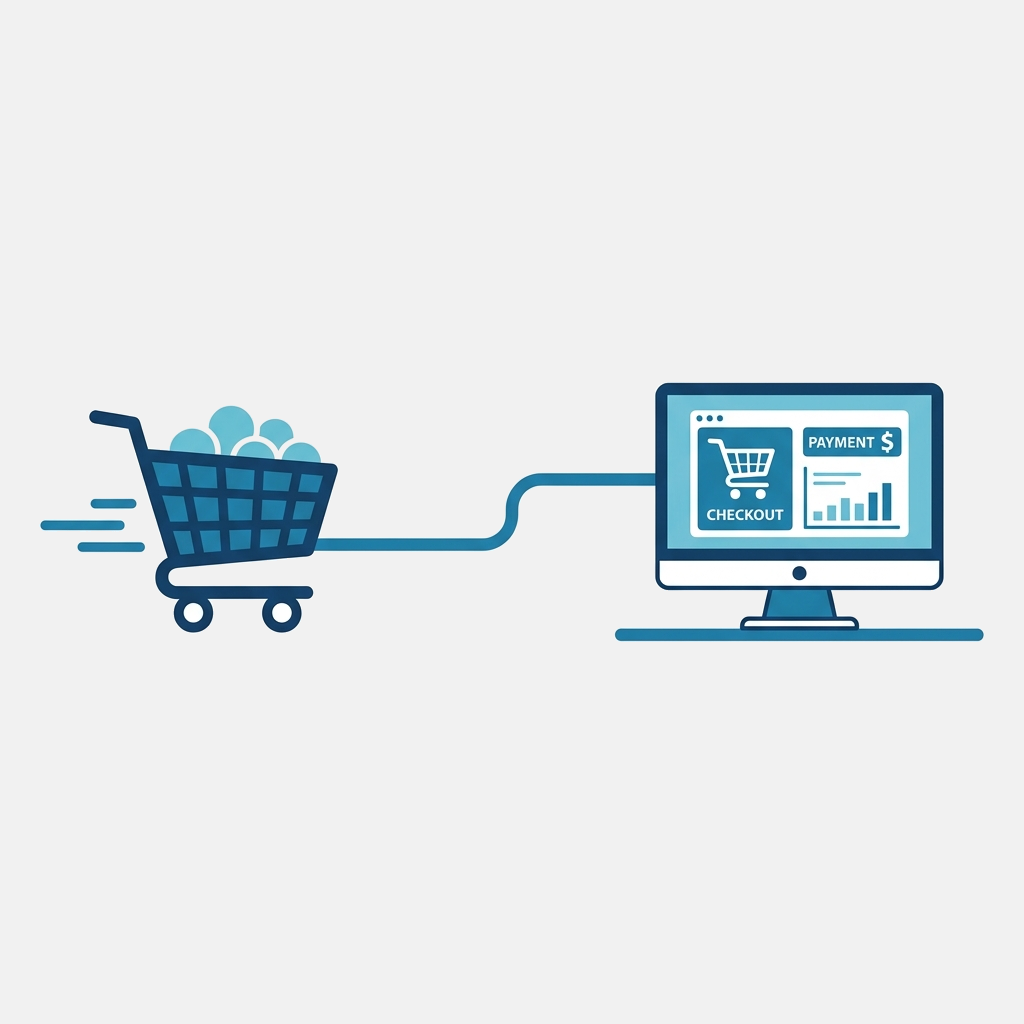
In B2B commerce, selling to enterprise buyers is vastly different from selling to individual consumers. Enterprise companies use specialized software to manage their spending, streamline purchasing, and enforce contract compliance. These systems are known as e-procurement systems or ERPs (such as SAP Ariba, Coupa, Oracle, or Jaggaer).
To sell to these buyers efficiently, you can no longer rely on paper catalogs, PDF price lists, or standard consumer shopping carts. Instead, enterprise buyers increasingly demand that their suppliers support PunchOut Catalogs.
But what exactly is a PunchOut catalog, and how does it work? Let’s dive in.
What is a PunchOut Catalog?
A PunchOut catalog is an e-commerce integration that connects a supplier’s web-based catalog directly to a buyer’s e-procurement system.
Instead of searching a generic public storefront or manually entering catalog data into their own ERP, the buyer’s procurement user clicks a link inside their e-procurement platform. This action “punches out” of their system and automatically logs them into the supplier’s web catalog.
Once inside the supplier’s catalog, the buyer can:
- Browse products.
- View contract-negotiated, customer-specific pricing.
- Check real-time stock availability.
- Add items to a shopping cart.
However, instead of checking out with a credit card or invoicing system on the supplier’s site, the buyer clicks “Transfer Cart” (or a similar button). The shopping cart data is then packaged and sent securely back to the buyer’s e-procurement system to generate a purchase requisition for internal approval.
How the PunchOut Process Works (Step-by-Step)
The entire PunchOut transaction operates as a secure loop between the buyer’s procurement portal and the supplier’s web store. Here is the standard flow:
- The Launch: The buyer logs into their procurement platform (e.g., Coupa) and clicks the supplier’s logo.
- The Request: The ERP sends a secure setup request (usually a cXML or OCI document) to the supplier’s PunchOut gateway.
- The Login: The supplier’s gateway authenticates the user, resolves their specific contract pricing, and redirects them to a customized session on the storefront.
- The Shopping: The buyer adds items to their cart. Real-time pricing and availability are pulled directly from the supplier’s backend database.
- The Checkout (Cart Return): Instead of paying, the buyer clicks “Check Out”. The supplier’s website sends the cart metadata (SKUs, quantities, prices, descriptions, units of measure) back to the buyer’s ERP.
- The Approval & Order: The buyer’s ERP routes the requisition for approval. Once approved, the ERP automatically generates a Purchase Order (PO) and sends it back to the supplier.
Why Enterprise Buyers Demand PunchOut Catalogs
From a buyer’s perspective, PunchOut catalogs solve several critical procurement challenges:
- Price Compliance: Buyers only see the prices contractually agreed upon, preventing “maverick spend” (purchasing items outside of contract terms).
- Zero Manual Ingestion: Procurement teams don’t need to manually import spreadsheets or static catalog files.
- Accuracy: Real-time stock status means buyers don’t order discontinued or out-of-stock items, reducing backorders and ordering errors.
- Speed: Requisitions are generated automatically, shortening the purchase-to-delivery lifecycle.
Benefits for B2B Suppliers
While setting up a PunchOut catalog might feel like a hurdle, it offers immense benefits for suppliers:
- Secured Business: Many Fortune 500 companies and government agencies refuse to do business with suppliers who cannot support PunchOut. Providing this integration makes you an attractive, friction-free partner.
- Larger Order Sizes: Integrating directly with procurement systems makes it incredibly easy for buyers to purchase from you, leading to higher order volume and larger average order values.
- Fewer Invoicing Disputes: Since orders are based on pre-approved contract prices and real-time data, invoicing errors and price disputes drop to near zero.
- Automation: Orders flow directly from the buyer’s ERP to your order management system, saving hours of manual data entry.
Key Protocols: cXML vs. OCI
When setting up a PunchOut catalog, you will encounter two main communication standards:
- cXML (extensible Markup Language): The global standard used by SAP Ariba, Coupa, Oracle, Jaggaer, and Workday. It relies on XML-based messages sent via HTTP POST requests.
- OCI (Open Catalog Interface): A standard created by SAP. It is widely used in Europe and with SAP ERP systems, transmitting data primarily via HTTP query parameters and forms.
A robust PunchOut solution must support both protocols to accommodate different buyers.
How to Get Started
Building a custom PunchOut integration from scratch can take months of development and deep familiarity with complex schemas. Fortunately, you don’t have to build it alone.
At QuickPunchOut, we help suppliers connect their existing web stores (Shopify, WooCommerce, Magento, or custom databases) to any buyer e-procurement platform in weeks rather than months.
Contact us today to make your catalog enterprise-ready!